Reactivated Microsoft 365 Users: The MSP Support Billing Leak

When a disabled Microsoft 365 user is re-enabled, the MSP may not be buying a brand-new licence from Microsoft. Under NCE, that seat may already sit inside the client’s committed licence count until renewal. The real leak is different: the user becomes active again, support obligations restart, but the PSA often fails to restart or align the matching client-side billing.
This article reframes reactivated Microsoft 365 user billing around the risk MSPs actually face under NCE: not a fresh Microsoft charge event, but a support and PSA alignment event: the MSP starts supporting the user again while the PSA, agreement, contact, managed-user count, or billing profile may still behave as if the user is inactive. That is where Microsoft CSP billing reconciliation still matters.
Key takeaways
- Under NCE, reactivating a user does not necessarily create a new Microsoft licence cost, because the licence may already be part of the committed subscription quantity.
- The billing risk is usually on the client-side service and PSA agreement: support, managed-user billing, agreement contacts, add-ons, security services, or recurring service bundles may not restart cleanly.
- Monthly licence totals can hide the problem, because the committed Microsoft quantity may be unchanged even though a specific person has become supportable again.
- The useful control is user-state reconciliation: detecting when an inactive or disabled user becomes active, checking whether that user maps to an active billing profile, and making the exception visible before invoice time.
- Sync 365 is strongest when positioned as the daily reconciliation layer between Microsoft, Azure, managed-user counts, custom recurring services, and the PSA — not just a raw Microsoft licence counter.
The Reactivated-User Problem Under NCE
NCE changed the shape of Microsoft licence leakage. In many cases, the MSP has already committed to a quantity for the subscription term. If a user leaves, the MSP cannot always reduce that quantity until the renewal or reduction window. If the user later returns and is assigned one of those already-committed licences, the Microsoft cost may not newly begin on that day.
But that does not make the reactivation harmless. The moment the user is back in service, the MSP is usually back to delivering support: helpdesk coverage, onboarding assistance, security stack management, backup checks, identity administration, device policies, and user-based recurring services. If those items are billed through the PSA, the PSA has to know that the person is active again.
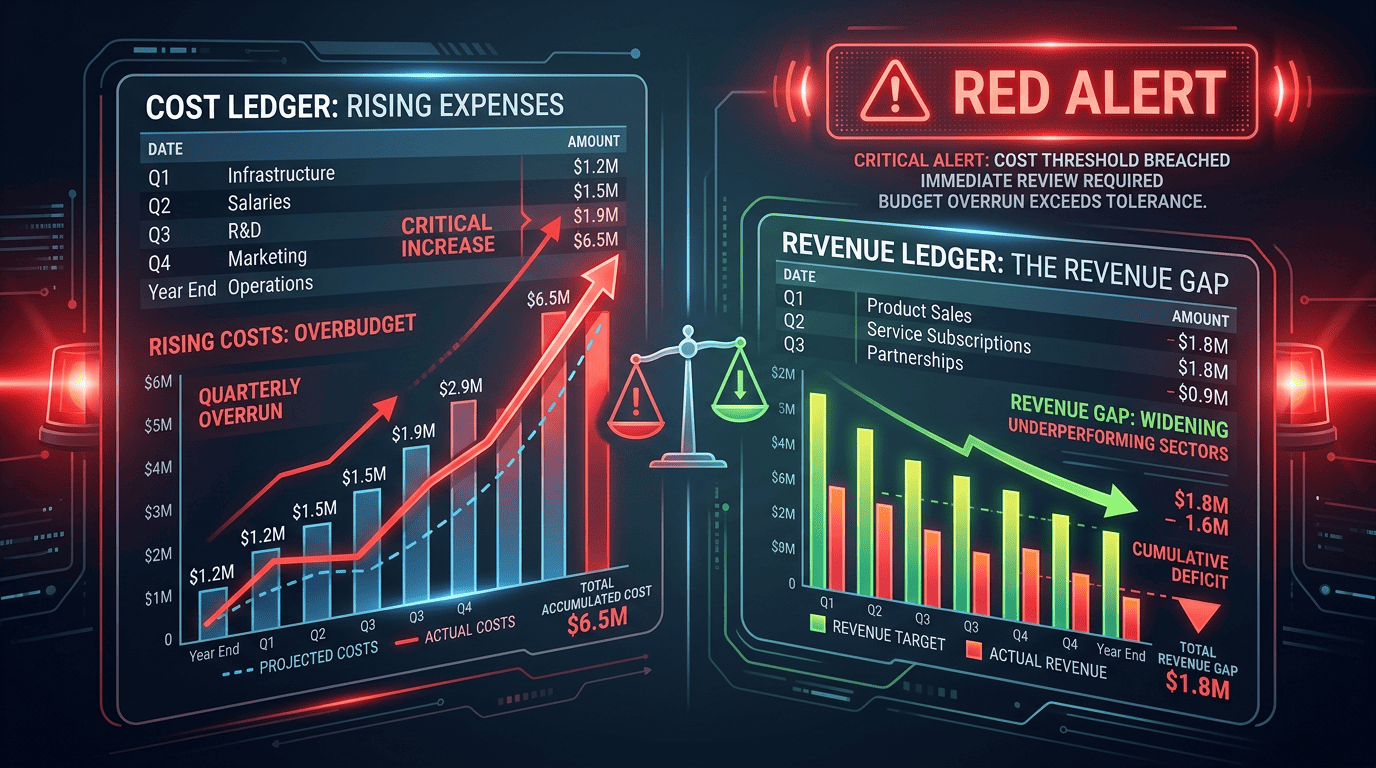
This is where the leak appears. The Microsoft licence count may look stable, but the billable support user count has changed. A re-enabled account can trigger operational work while the agreement line, contact state, managed-user count, or billing profile still sits in an old inactive state.
That is a different problem from buying a new licence. It is a PSA alignment problem. The MSP is not necessarily paying Microsoft more today; it is supporting a user today without a reliable billing signal proving that the client invoice has caught up.
Why the PSA Often Misses Rehired or Reactivated Users
Reactivated users are structurally awkward for billing systems because they are not truly new. The Entra ID account already exists, the mailbox may be intact or restorable, the PSA contact record may still exist, and historical agreement attachments may still be present.
That creates several common failure modes:
- No new-contact trigger: the PSA sees an existing contact rather than a new starter, so no billing workflow starts.
- Inactive agreement state: the contact or service item was made inactive during offboarding and does not automatically reactivate when the Microsoft account is re-enabled.
- Managed-user mismatch: the MSP bills per supported user, but the managed-user count is not updated when the person returns.
- Bundle drift: security, backup, endpoint, or support bundles tied to user count do not move with the Microsoft user state.
- No billing profile mapping: the user has a licence, but no active PSA billing profile or agreement rule is attached.
None of these require the Microsoft tenant total to change. A client can still show the same committed NCE quantity while the MSP’s real service obligation has increased. That is why a simple licence-count review is not enough.
The Exact Sequence Where Support Billing Breaks
The event chain usually looks like this:
- A user leaves. The account is disabled, access is removed, and the PSA contact, agreement addition, or supported-user item is reduced, paused, or made inactive.
- The client later rehires the person, reuses the account, or brings back a contractor. The Microsoft 365 account is re-enabled and a licence is assigned from the client’s existing committed pool.
- Service resumes immediately. The user can now raise tickets, consume support, use security tooling, and sit inside the MSP’s managed-user scope.
- The PSA may not restart the corresponding billing because the record already exists, the total licence quantity did not change, the agreement item is inactive, or the billing profile mapping is missing.
The leak is not “Microsoft charged you for a new licence today.” Under NCE, that may be untrue. The leak is: your client has an active, supportable user again, but your PSA may not be billing that user or the associated recurring services correctly.
Managed-user billing is the better frame
For many MSPs, the bigger commercial risk is not the raw Microsoft licence. It is the managed service wrapper around the user: support desk, endpoint/security tools, onboarding/offboarding admin, identity management, monitoring, backup, or customer-specific recurring services.
If the client is billed per managed user, every reactivation needs a clean answer to a simple question: is this user included in the active billable user count for the next invoice? If the answer depends on a spreadsheet, memory, or month-end manual review, the MSP is carrying avoidable leakage risk.
NCE still matters, but differently
NCE still belongs in the article because it explains why accurate reconciliation is more important, not less. A client may be committed to a licence quantity until renewal, which means the MSP needs clean evidence about who is using the committed pool, which users are active, which licences are assigned, and whether the PSA invoice reflects the services being delivered.
That evidence is also useful at renewal. If inactive users, shared-mailbox residues, stale allocations, or unsupported billing profiles are left unresolved, the MSP may enter the next renewal with poor data and miss the opportunity to right-size the client’s commitment.
We cover the commitment side in more detail in our guide to NCE commitment models.
What 30–60 Days of Silence Can Cost
The numbers depend on the MSP’s commercial model, so this should be treated as an illustrative scenario rather than a Sync 365 performance claim.
Assume an MSP bills a monthly managed-user or support component on top of Microsoft 365 licensing. If a reactivated user is supported for 30–60 days before finance catches the missing PSA update, the missed amount is not limited to the licence SKU. It may include the user support fee, security bundle, backup allocation, endpoint management, or other recurring services that should have followed the active user state.
- Five missed reactivations at a modest per-user service charge can quietly remove a noticeable amount from the monthly invoice.
- Forty missed reactivations across a larger client base can become a recurring margin leak even when Microsoft licence counts appear stable.
- Repeated monthly reviews compound the problem because the error is discovered after the service has already been delivered, making recovery awkward and sometimes commercially unattractive.
The point is not to claim every MSP has the same leakage rate. The point is that a user-state mismatch is hard to see in a tenant total and easy to miss in a PSA workflow built around agreement quantities rather than lifecycle events.
What Good Control Actually Looks Like
Good control starts by treating reactivation as a billing-risk event in its own right. The question is not only “did the Microsoft licence count change?” The better question is “did a user become active again, and does the PSA now reflect the services we are delivering for that user?”
- User-state change detection: monitor licence assignment, enable/disable state, and contact status at the user level.
- Agreement-state verification: check whether the PSA agreement, contract charge, or recurring service line is active before invoice time.
- Managed-user count alignment: keep supported-user billing in step with real active users, not just static agreement quantities.
- Billing profile mapping: flag licensed or active users that are not connected to an active PSA billing profile.
- Inactive product alerts: surface cases where a PSA product, service item, or agreement line cannot be updated cleanly.
- Shared mailbox and stale allocation checks: find leftover licence assignments or offboarding artefacts that confuse renewal and billing decisions.
This is where Sync 365 fits the real MSP workflow. Sync 365 helps MSPs keep Microsoft 365 licence counts, managed-user billing, Azure consumption, custom recurring items, billing profiles, exclusions, filters, and PSA agreement data aligned through a daily reconciliation process. The PSA remains the system of record, but the gaps between Microsoft activity and client billing become visible sooner.
For MSPs still relying on monthly comparisons, the risk is not just a missed licence add. It is a broader billing blind spot: active users, support obligations, and recurring service counts can move before the PSA invoice catches up. That is why daily reconciliation is operationally stronger than waiting for month end. If you are still reconciling by hand, it is worth reading why manual reconciliation costs MSPs thousands.