
How IT Global Automated Complex Franchise Microsoft 365 Billing with Sync 365
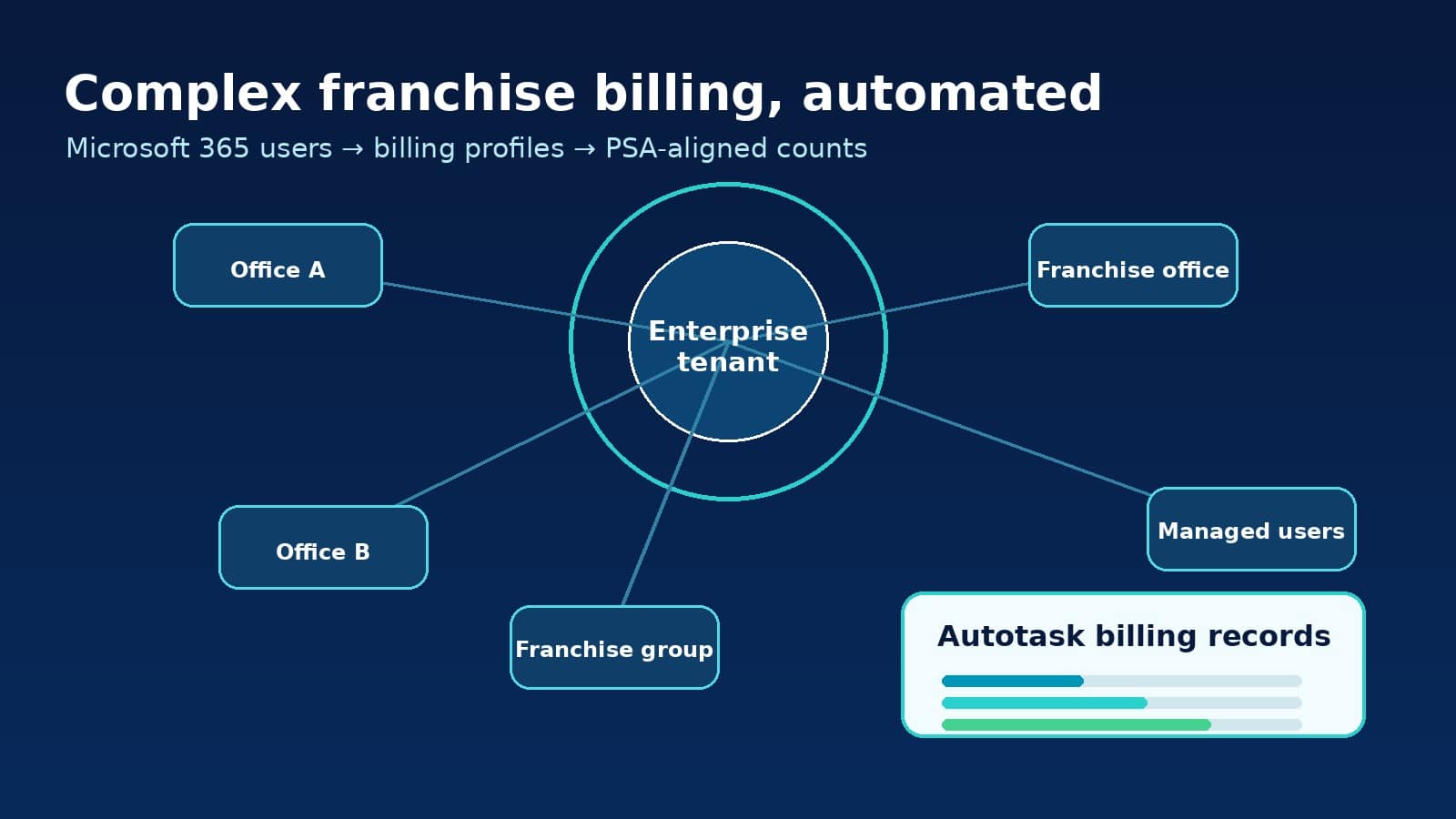
An Australian MSP needed to split Microsoft 365 and recurring-service billing across a large franchise-style customer from one central enterprise tenant. Sync 365 gave the team a repeatable way to map users, licences, custom services, and managed-user billing into Autotask.
The customer
IT Global supports a large franchise-style customer with a Microsoft 365 billing structure that does not fit the simple model of one tenant, one customer, and one invoice.
The customer operates from a central enterprise Microsoft tenant, while billing needs to be split across many individual franchise or office-level entities. Each entity needs accurate licence counts, recurring service charges, and user-based billing without relying on manual spreadsheet reconciliation.
The challenge
A basic licence count was not enough. IT Global needed to answer which users belonged to which office or franchise, which services applied to each group, how adds and removals should be prorated, and how final quantities should flow into Autotask.
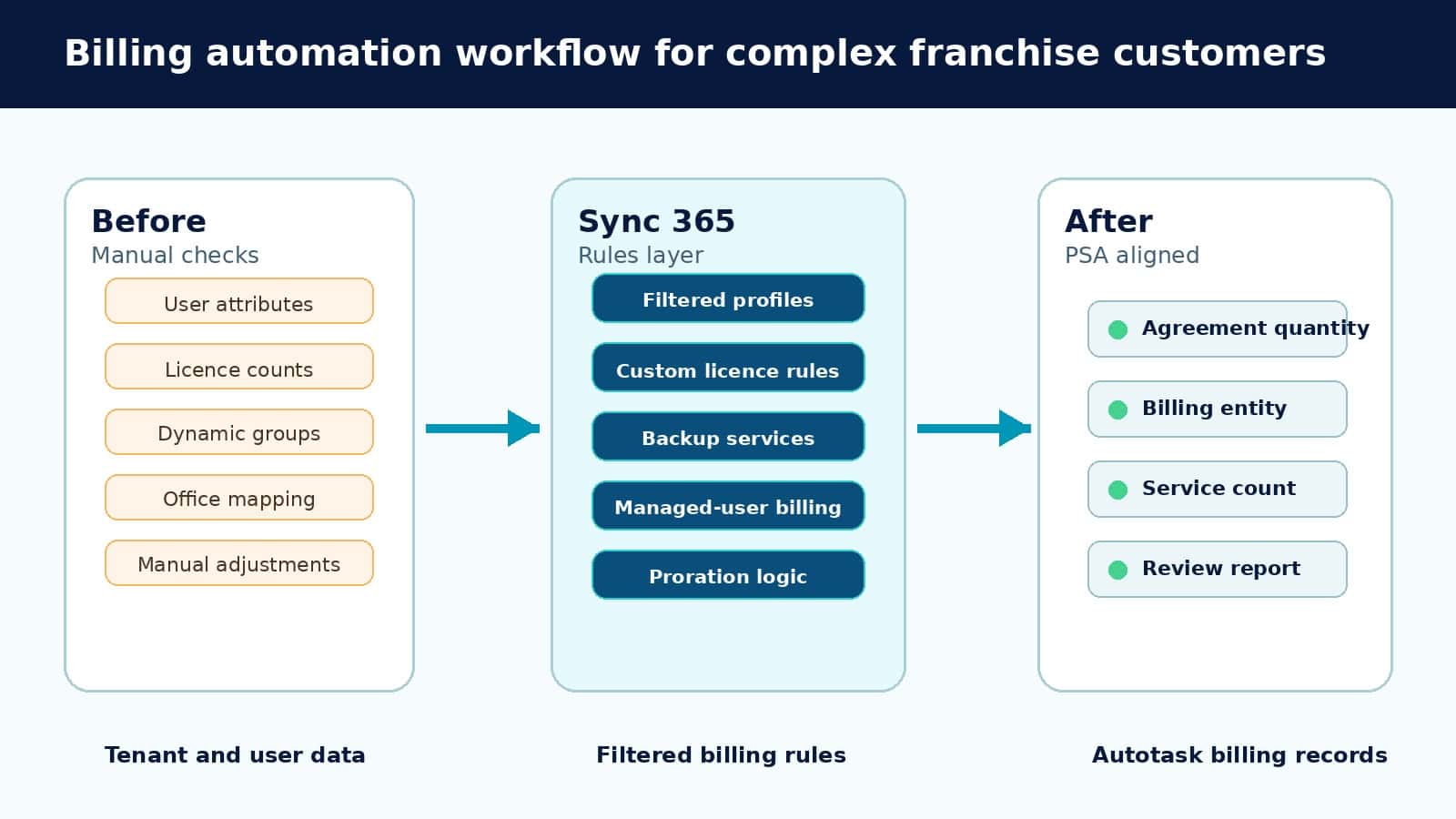
Without automation, staff would have needed to manually review user attributes, dynamic groups, licence assignments, and PSA agreement records every billing cycle.
Why the old process would not scale
“There’s no way we would be able to service a customer like that manually.”
Sean Stuart, Operations Manager, IT GlobalThe Sync 365 workflow
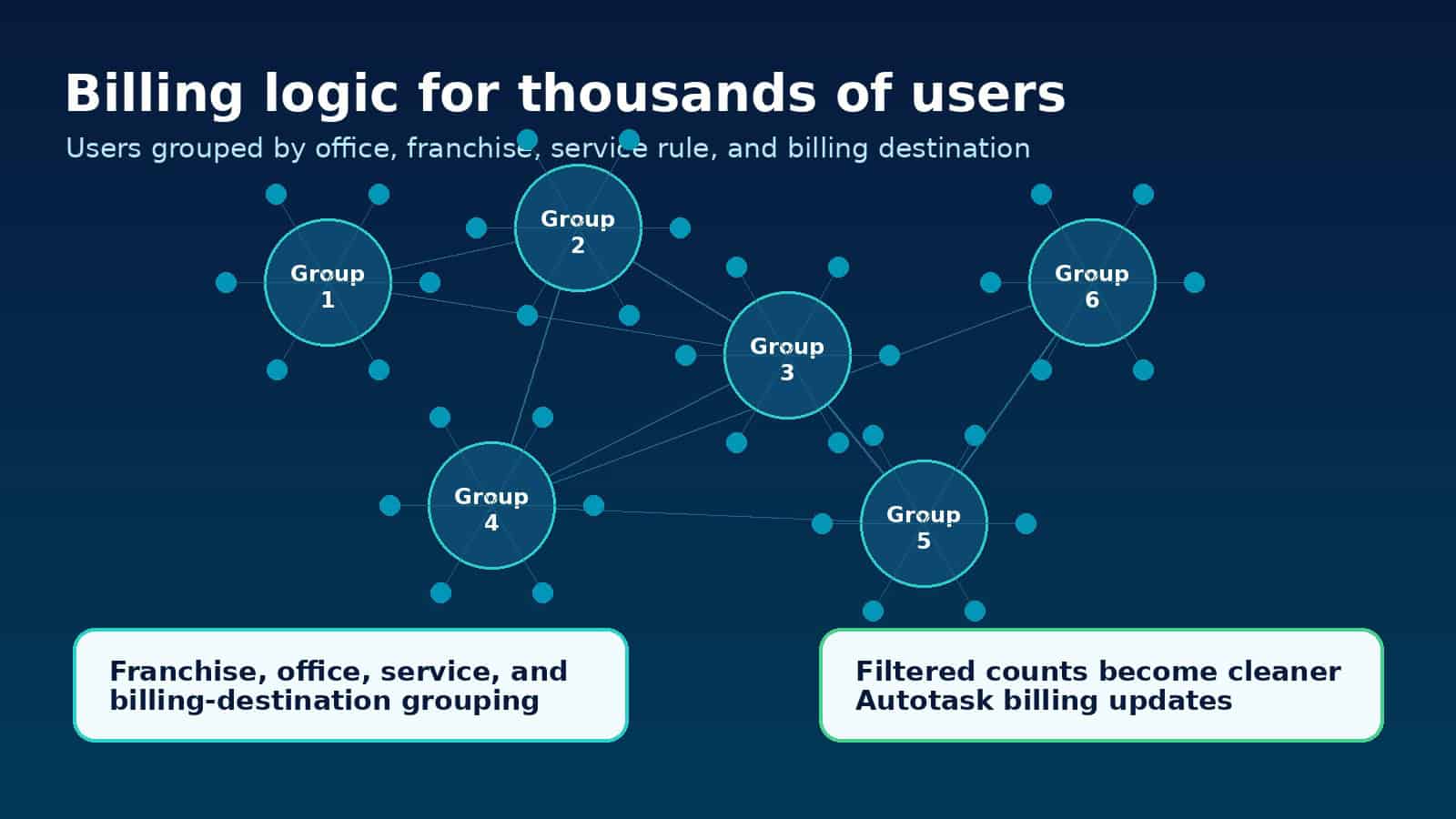
IT Global used Sync 365 to create filtered billing views from the enterprise Microsoft tenant. Instead of treating the tenant as one flat licence count, Sync 365 helped split users into billing groups based on customer-specific logic such as office location or dynamic group membership.
The team also used custom licences to bill services beyond Microsoft 365, including backup and cloud security services. Some billing followed office location; other billing followed dynamic groups in Entra ID.
- Use Microsoft and Entra data to identify the right users.
- Apply Sync 365 filters and custom licence rules.
- Map the resulting counts to Autotask billing records.
- Keep adds, moves, and changes flowing into billing automatically.
- Provide reporting so the customer can see which users are being billed.
How the billing logic was organised
Identify users
Start from Microsoft 365 and Entra data such as users, attributes, locations, groups, and licence assignments.
Filter into profiles
Split the enterprise tenant into the franchise, office, group, or service profile that should receive billing.
Apply custom rules
Add custom recurring services such as backup, cloud security, identity protection, or managed-user support.
Update Autotask
Map the final counts into PSA billing records so the invoice process follows the customer structure.
The outcome
Sync 365 helped IT Global turn a complex, low-margin billing problem into a repeatable operational process.
- Complex franchise billing became manageable.
- Manual spreadsheet work was reduced.
- Autotask billing quantities could follow user and licence changes.
- Custom recurring services could be billed using flexible rules.
- The MSP avoided building a large manual billing/admin process.
- The customer received clearer reporting around users and licences.
- IT Global could support a large customer that might otherwise have been commercially difficult to service.
“The system becomes really flexible for us.”
Sean Stuart, Operations Manager, IT Global“It gets that admin out of the way.”
Sean Stuart, Operations Manager, IT GlobalHave a complex Microsoft billing scenario?
Book a Sync 365 demo and see how filtered billing profiles and custom licence rules can keep your PSA aligned.
Sync 365 supports Microsoft billing reconciliation workflows for MSPs and CSPs using supported PSA platforms such as Autotask and ConnectWise Manage.