
Microsoft Subscription ID Billing: Split and Merge | Sync 365
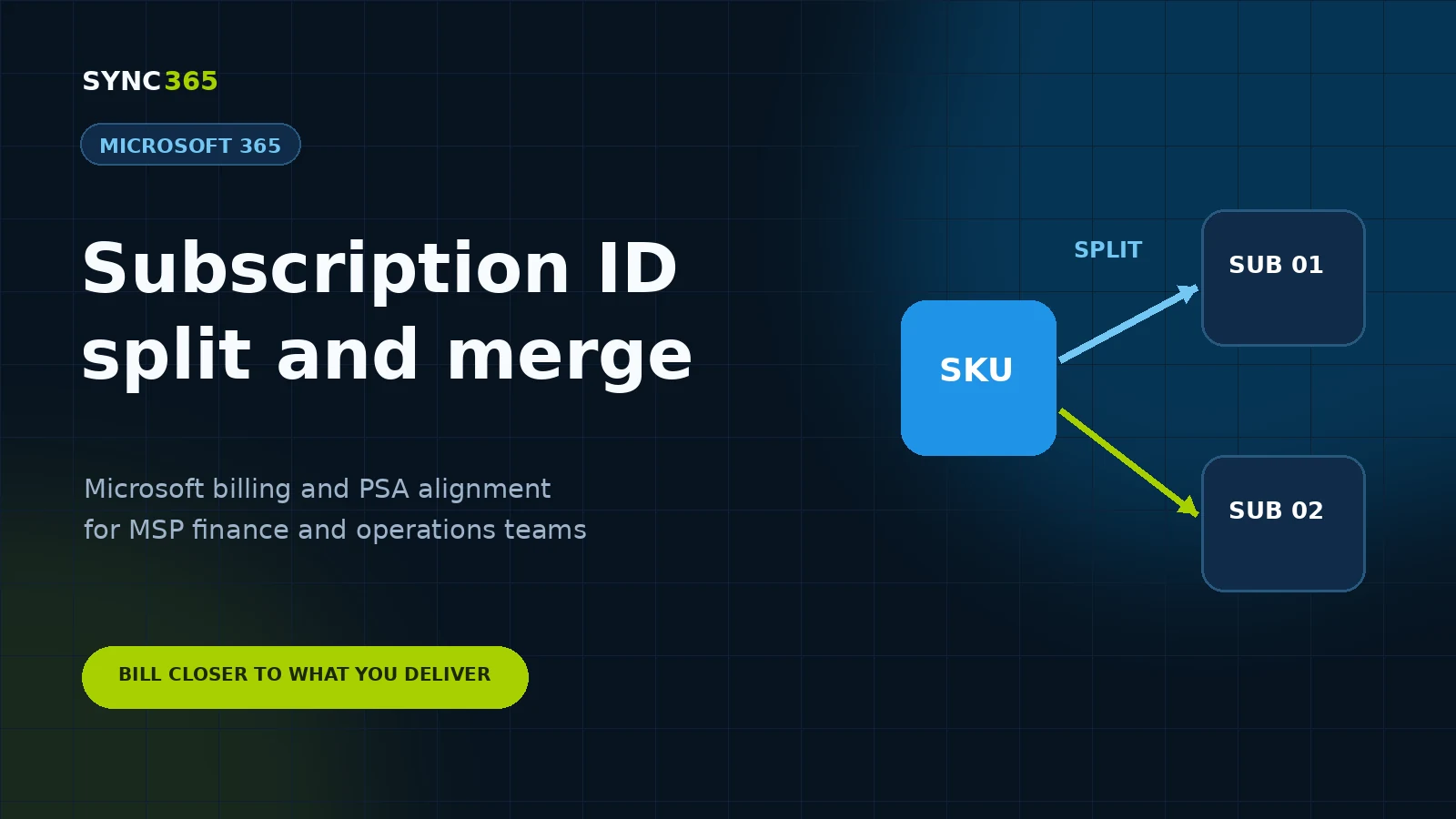
Subscription ID billing was introduced for customers with more than one subscription under the same Microsoft licence product. The current Sync 365 workflow uses Split and Merge controls to handle that requirement more clearly.
Split when the subscriptions need different treatment
Use Split when subscriptions with the same Microsoft licence name have different commitment terms, billing cycles, prices, renewal dates or PSA products, services or items. Each subscription row can then receive its own billing profile and supported PSA mapping.
Merge when one billing rule applies
Use Merge when every subscription under the licence product can share the same billing profile, price and PSA destination. Sync 365 returns to one combined licence-level quantity for simpler reconciliation.
See the complete subscription-level Microsoft 365 billing guide for examples, migration safeguards and a real Split and Merge product screen.